Not every “missing page” is the same error
Fix the status code you actually have – 404, soft 404, 410, bad canonical, and redirect loops need different responses.
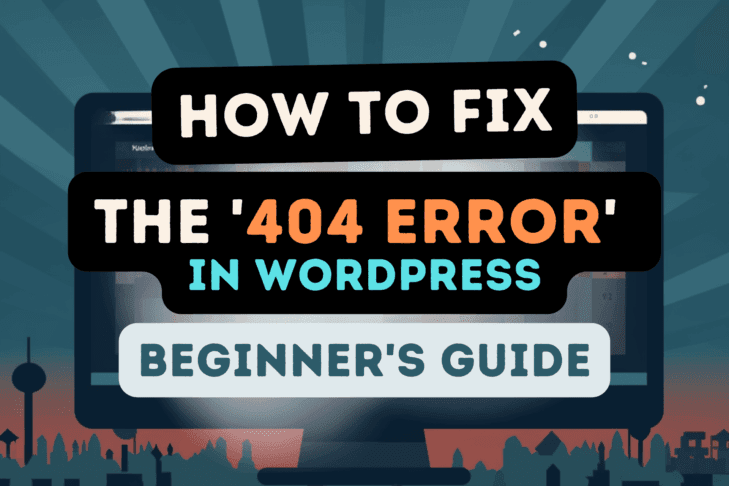
- 404 Not Found – the URL has no resource. Show a helpful 404 template; redirect only when there is a clear replacement.
- Soft 404 – server returns 200 with “not found” content or thin placeholders. Search engines treat this as a broken signal.
- 410 Gone – the resource is intentionally removed for good. Prefer 410 over 404 when you want faster deindexing.
- Bad canonical – page loads but points canonical elsewhere (or to a dead URL), creating indexing confusion.
- Redirect loop / chain – browsers or crawlers never settle. See redirect loops guide.
- Proper 301 – permanent move to a relevant replacement URL (not the homepage by default).
How to find 404s before users complain
Combine Search Console, server logs, crawls, and internal link checks – especially after migrations.
- Google Search Console → Indexing / Pages → Not found
- Access logs (Nginx/Apache) filtered for status 404
- Site crawl (Screaming Frog, Sitebulb, or similar)
- Broken internal links in content, menus, and widgets
- Cache/CDN quirks serving stale routes after a slug change
- Post-migration or bulk slug edits (see URL optimization)
Confirm the live sitemap still lists only valid URLs: XML sitemaps guide.
Do not redirect all 404s to the homepage
Blanket homepage redirects create a weak UX and often look like soft 404s to Google.
Redirect when there is a single clear successor. Otherwise serve a real 404 with search, popular posts, and category links. Mass-mapping everything to / trains users to distrust your URLs.
Diagnostic paths by cause
Use a different playbook for permalinks, missing files, deleted posts, Woo products, and server rules.
Permalinks / rewrite rules
Symptoms: only “pretty” URLs 404 while ?p=123 works. Fix: Settings → Permalinks → Save (flush). On Nginx, confirm try_files passes to index.php. Snippet context: permalink structure.
Missing static file
Symptoms: /wp-content/uploads/... 404. Fix: restore the file from backup, repair offloaded media, or update the attachment URL.
Deleted post or page
Symptoms: old slug 404s after trash/delete. Fix: 301 to the best replacement, or 410 if content is retired for good.
WooCommerce product
Symptoms: product/category 404 after SKU/slug change or shop page misconfiguration. Fix: check product status, catalog visibility, shop page assignment, and permalinks for product base; add 301s for renamed products.
Nginx / Apache rule
Symptoms: many URLs 404 after host migration or security rules. Fix: compare vhost/htaccess with a known-good config; watch overly aggressive rewrite or WAF blocks returning 404 instead of 403.
Quick recovery checklist
- Reproduce logged-out, with cache bypass.
- Classify: true 404 vs soft 404 vs redirect issue.
- Flush permalinks; verify server rewrite.
- Restore or redirect the specific resource.
- Update internal links + sitemap.
- Re-crawl the URL in Search Console when it mattered for traffic.
FAQ
What causes most WordPress 404s?
Changed slugs without redirects, broken permalinks after migration, deleted content, and incorrect server rewrite rules.
Should every 404 become a 301?
No. Only redirect when a relevant replacement exists; otherwise keep a useful 404 or send 410 for permanent removals.
Can fixing 404s improve rankings overnight?
It helps users and crawl hygiene. Ranking recovery depends on the importance of the lost URLs and the quality of replacements – there is no automatic boost.